
Stop Guessing. Start Editing Like A Pro
Video Editing Launchpad
Turn your raw footage into scroll-stopping videos, even if you’ve never edited before.

STUDENTS TESTIMONIALS
Hear It From OUR STUDENTS
ANGEL
YAZ
MARIROSE
IMARIA
CLIENTS TESTIMONIALS
Hear It From Those Who've
Experienced Success
FIBO LIM
CEO and Founder of Fibo Lim
Group of Companies
PAUL LONG
Owner/Founder: Paul Long Consultancy
MAJ CUSTODIO
CEO and Founder of AACIO and Quick Pro
MAJ CUSTODIO
CEO and Founder of 2hourCEO
MAJ CUSTODIO
Facebook Ad Manager
STUDENT TESTIMONIALS
Hear It From
OUR STUDENTS
ANGEL
YAZ
MARIROSE
MARIA
CLIENT TESTIMONIALS
Hear It From Those Who've Experienced Success
FIBO LIM
CEO and Founder of Fibo Lim
Group of Companies
PAUL LONG
Owner/Founder: Paul Long Consultancy
MAJ CUSTODIO
CEO and Founder of AACIO and Quick Pro
ANGELA BAYSA
CEO and Founder of 2hourCEO
CONNARCISO
Facebook Ad Manager
Here's the "A-Z" System You're Getting Inside...
Here's the "A-Z" System
You're Getting Inside...
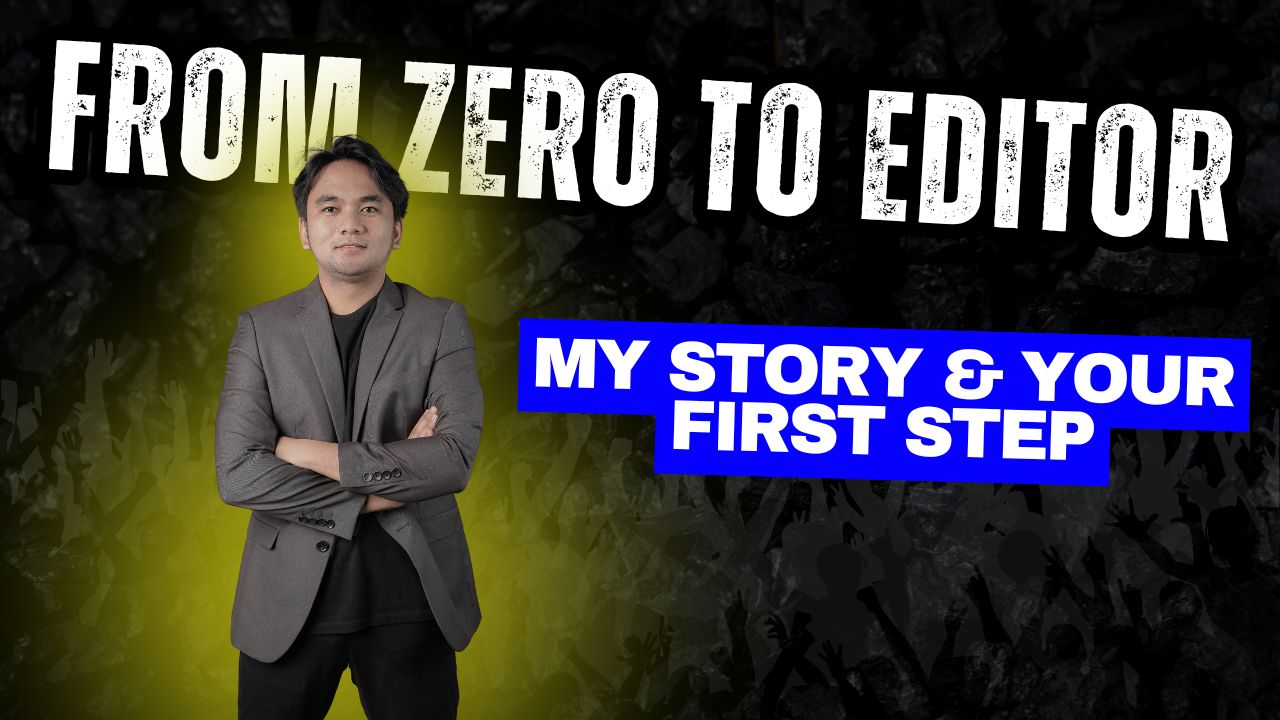
Module 1: From Zero to Editor (My Story & Your First Step)
Module 1: From Zero to Editor
(My Story & Your First Step)
In this first module, John shares his story from "Zero to Editor" and gives you the simple path to follow. You'll get the exact "first step" you need to take to build momentum right away, proving you don't need any "teki" skills to get started.
In this first module, John shares his story from "Zero to Editor" and gives you the simple path to follow. You'll get the exact "first step" you need to take to build momentum right away, proving you don't need any "teki" skills to get started.
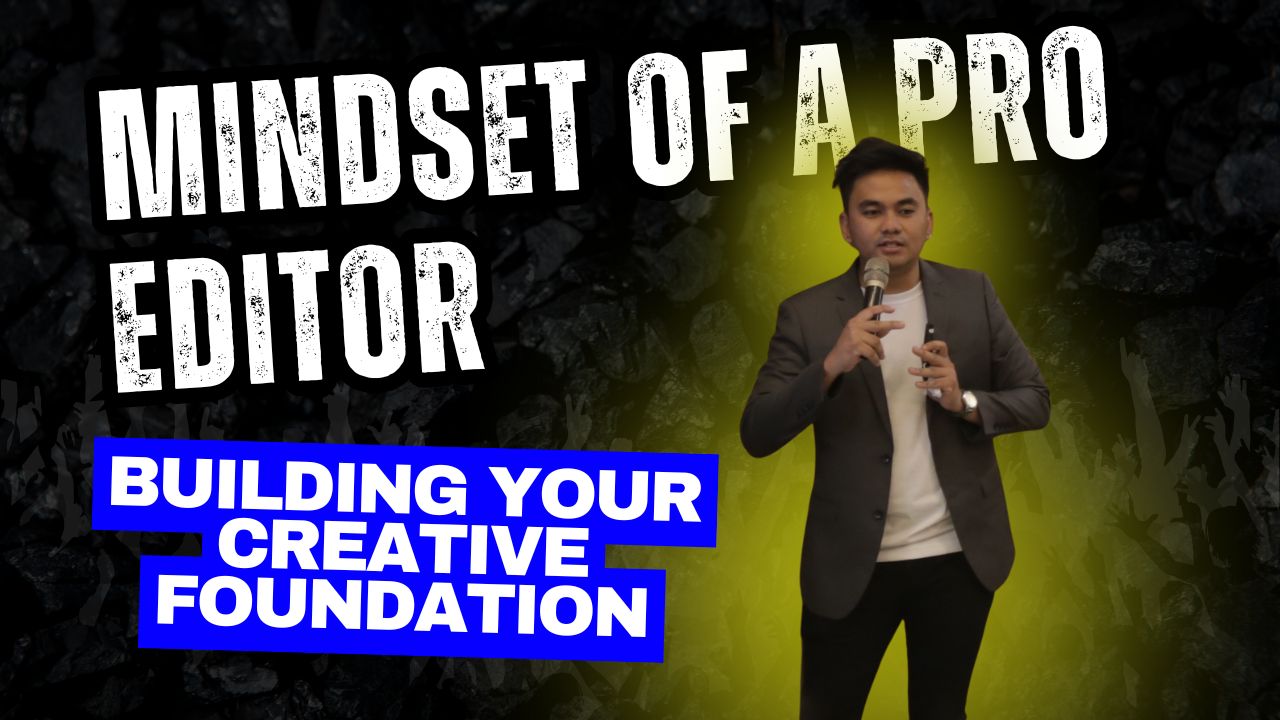
Module 2: Mindset of a Pro Editor (Building Your Creative Foundation)
Stop feeling "overwhelmed" and finally break that "hindi ako teki" mental block! This module is all about building your creative foundation so you can learn to think like a professional editor before you even click a single button.
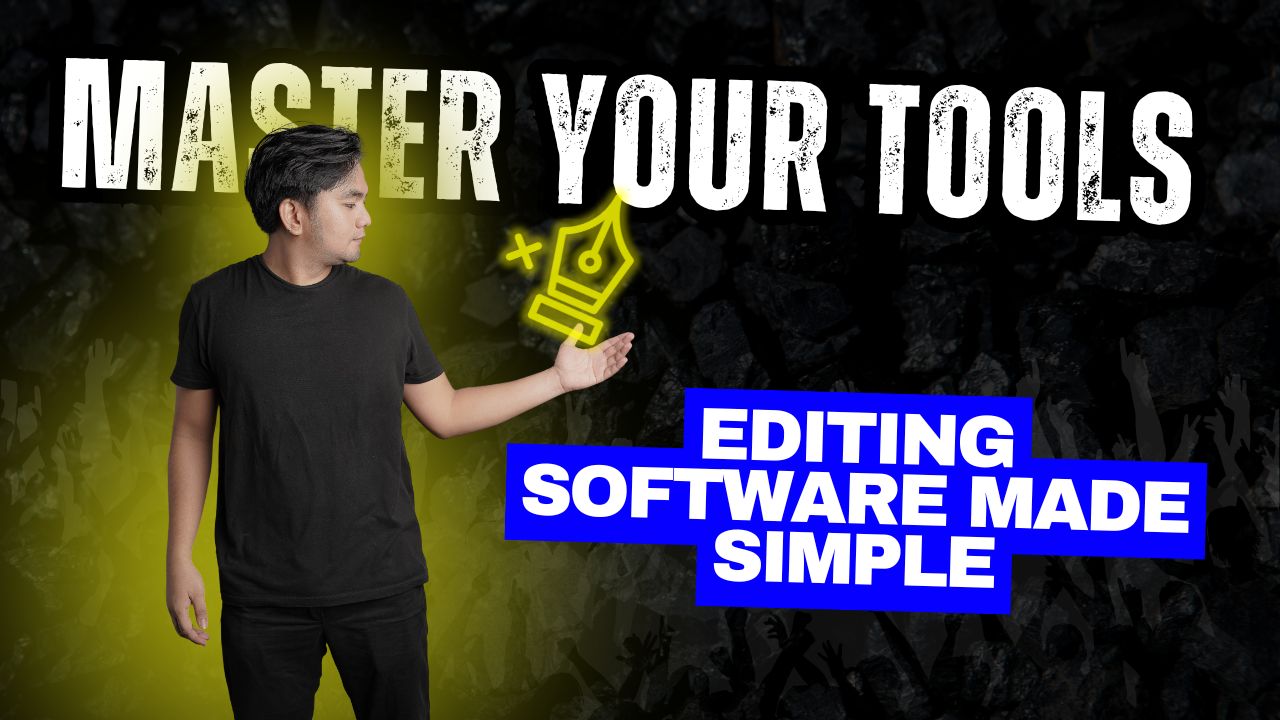
Module 3: Master Your Tool (Editing Software Made Simple)
Forget confusing software! We make editing simple by showing you how to master the exact CapCut tools you'll actually need—no fluff, no confusion. You'll learn the beginner-friendly interface in minutes, not weeks.
Forget confusing software! We make editing simple by showing you how to master the exact CapCut tools you'll actually need—no fluff, no confusion. You'll learn the beginner-friendly interface
in minutes, not weeks.
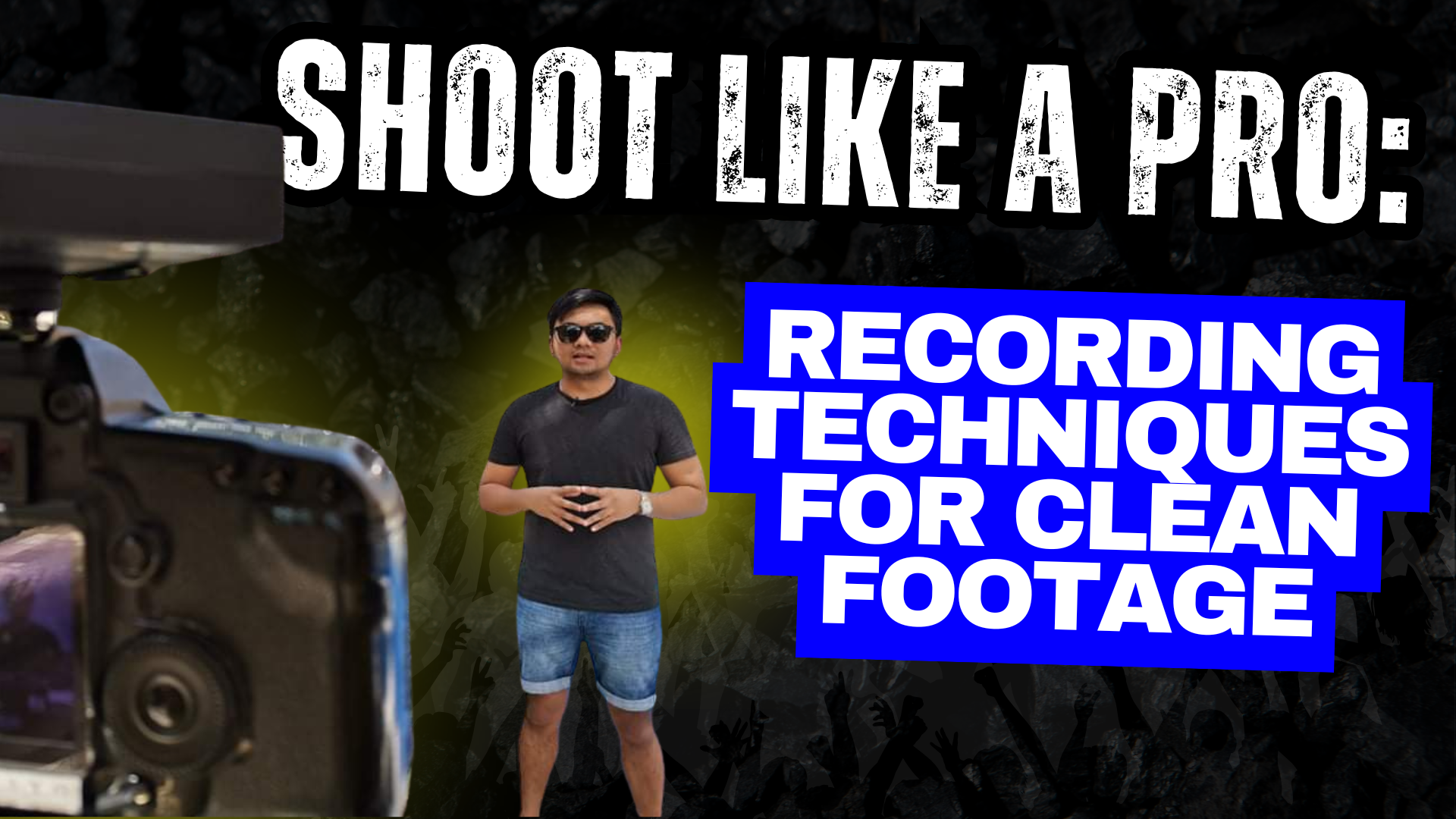
Module 4: Shoot Like a Pro (Recording Techniques and Cleancut)
Get crisp video and "malinis na audio" using just your phone. We'll teach you simple lighting tricks and professional recording techniques so your "raw footage" is high-quality and easy to edit from the very start.
Get crisp video and "malinis na audio" using just your phone. We'll teach you simple lighting tricks and professional recording techniques so your "raw footage" is high-quality and easy to
edit from the very start.
Module 5: Cut it Right (Different Clean Cutting Styles That Work)
This is the #1 skill that separates amateurs from pros. You'll master "clean cutting" styles like "J-cuts" and "L-cuts," allowing you to eliminate awkward pauses and "jump cuts" so your videos flow seamlessly.
Module 6: Words That Pop (Captioning Hacks to Boost Engagement)
Learn how to hook viewers in the first 3 seconds (even with the sound off!) using dynamic, animated captions. You'll get my fast-edit template for using emojis and "pop-ups" that keep your audience glued to the screen.
Module 7: Make It Cinematic (Using B-rolls the Right Way)
Stop making "boring" talking-head videos! This module teaches you how to find and use B-roll to tell a powerful visual story. You'll also discover how to use transitions and slow-motion to give your videos a high-quality, "cinematic" feel.
Module 8: Set the Mood (BGM, SFX, and Final Polish)
Module 8: Set the Mood
(BGM, SFX, and Final Polish)
Get my personal library of "whoosh" & "pop" sound effects (SFX) and learn exactly when to use them. You'll master audio mixing to perfectly balance your voice, background music (BGM), and SFX for that crucial "final polish."
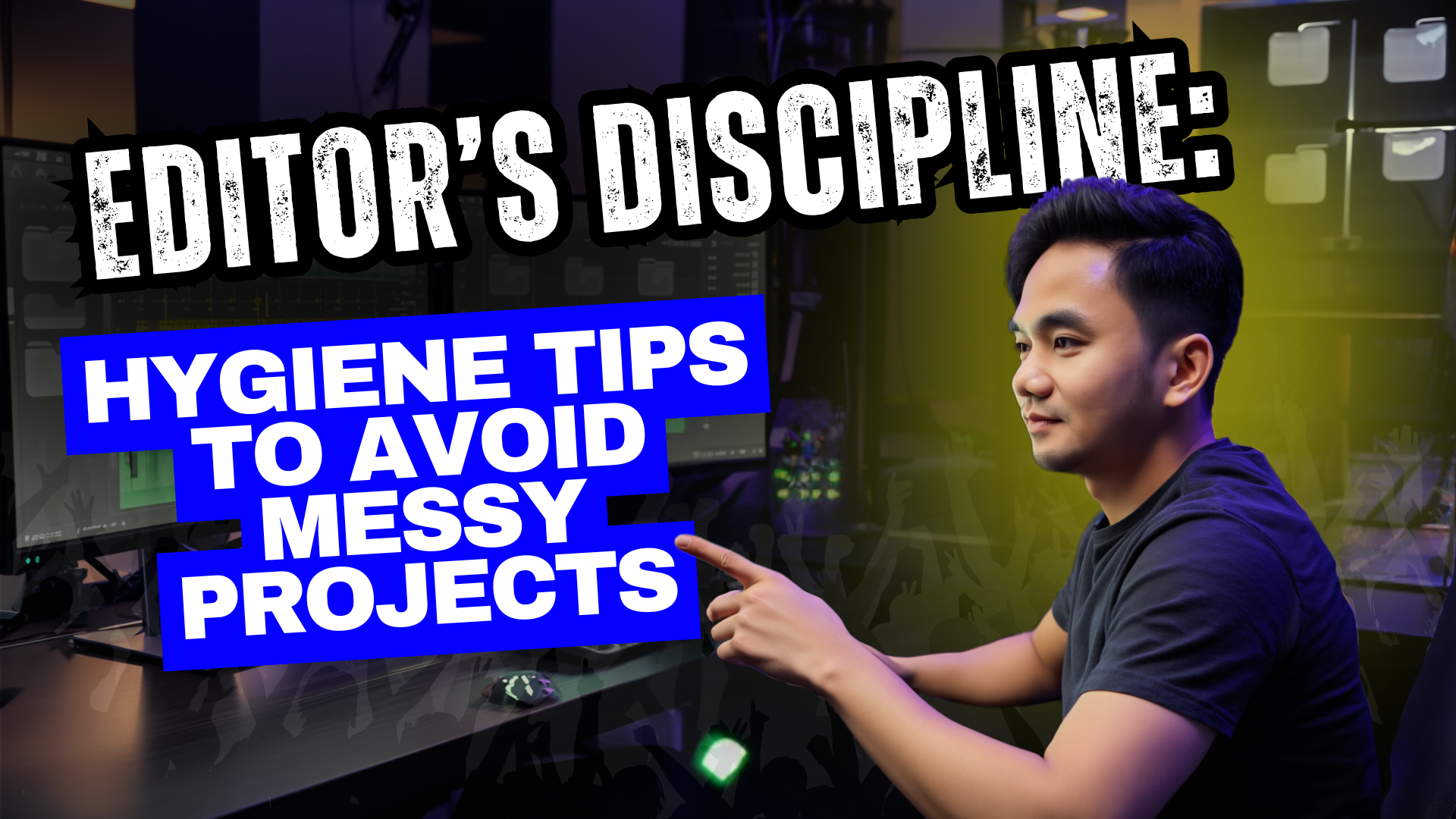
Module 9: Editor's Discipline (Hygiene Tips)
Learn "Editing Hygiene"—the simple file organization system that saves you hours of "what file was that?" headaches. This is how you build the "Editor's Discipline" to stay organized and efficient, even with multiple projects.
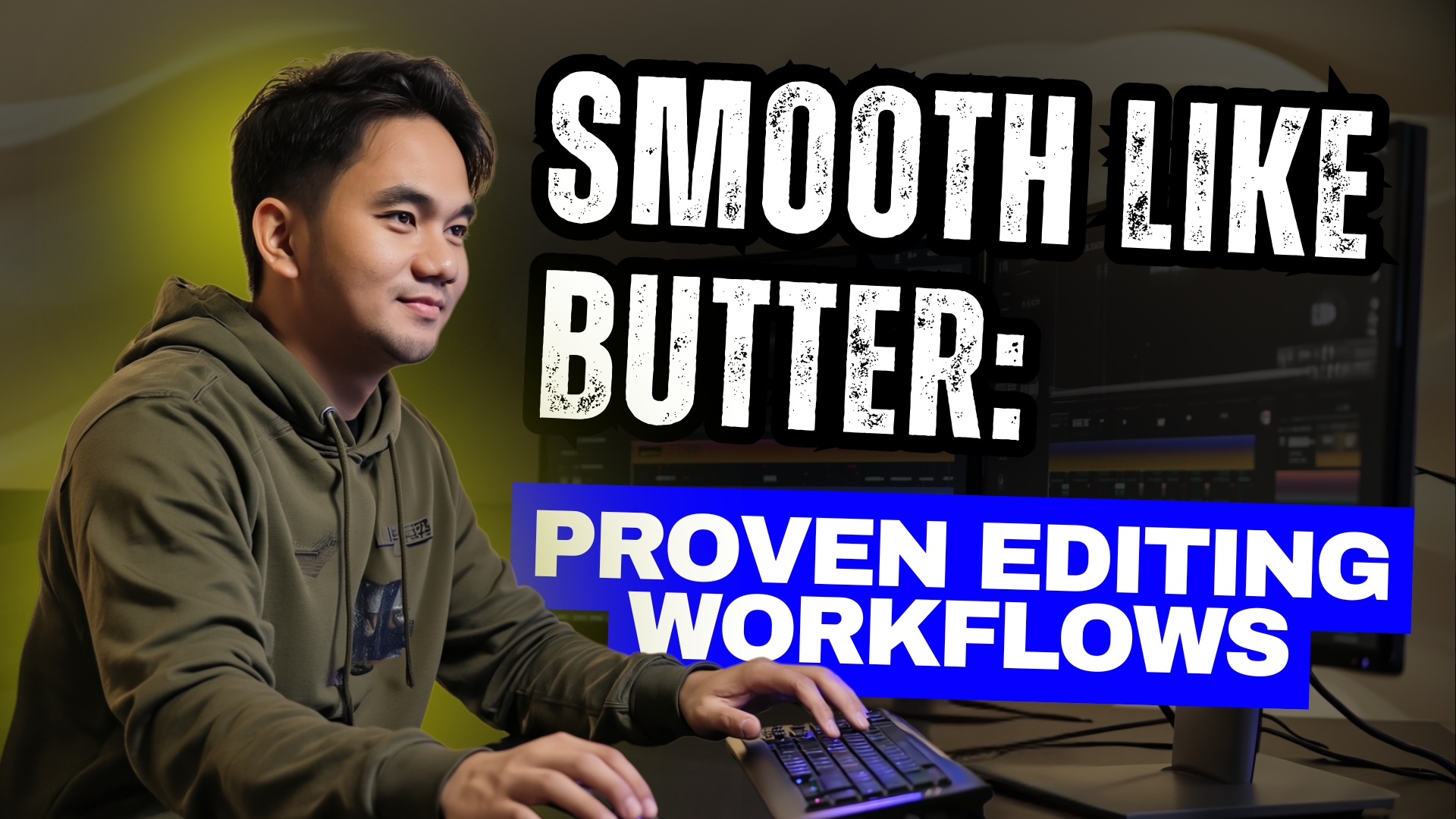
Module 10: Smooth Like Butter (Proven Editing Workflows)
This module brings it all together. You get my complete A-Z "proven workflow" from raw file to final video. You'll also learn "task-batching" secrets that let you edit "Smooth Like Butter" and 3x faster than your competition.
PLUS... You Get These "Launch" Bonuses (For FREE!)

(Bonus 1 - Templates & Assets):
Ready-Made Templates,
Assets & Shortcut Guides
Huwag ka nang magsimula sa blank screen. Get
my personal templates, assets, and shortcut guides
to speed up your editing process.
Huwag ka nang magsimula sa blank screen. Get my personal templates, assets, and shortcut guides to speed up your editing process.

(Bonus 2 - Exclusive Community):
Exclusive Access to the
Editors Community
Huwag ka nang mag-isa! Get feedback, network,
and ask questions inside our private community

(Bonus 3 - Lifetime Updates):
FREE Lifetime Updates
This is my commitment. Every time I learn new AI tools or new editing tricks, I'll add them to the course—and you get them for FREE. Forever.
WHAT YOU'LL GET
Here's the "A-Z" System You're
Getting Inside...
Module 1: From Zero to Editor (My Story & Your First Step)
In this first module, John shares his story from "Zero to Editor" and gives you the simple path to follow. You'll get the exact "first step" you need to take to build momentum right away, proving you don't need any "teki" skills to get started.
Module 2: Mindset of a Pro Editor (Building Your Creative Foundation)
Stop feeling "overwhelmed" and finally break that "hindi ako teki" mental block! This module is all about building your creative foundation so you can learn to think like a professional editor before you even click a single button.
Module 3: Master Your Tool (Editing Software Made Simple)
Forget confusing software! We make editing simple by showing you how to master the exact CapCut tools you'll actually need—no fluff, no confusion. You'll learn the beginner-friendly interface in minutes, not weeks.
Module 4: Shoot Like a Pro (Recording Techniques and Cleancut)
Get crisp video and "malinis na audio" using just your phone. We'll teach you simple lighting tricks and professional recording techniques so your "raw footage" is high-quality and easy to edit from the very start.
Module 5: Cut it Right (Different Clean Cutting Styles That Work)
This is the #1 skill that separates amateurs from pros. You'll master "clean cutting" styles like "J-cuts" and "L-cuts," allowing you to eliminate awkward pauses and "jump cuts" so your videos flow seamlessly.
Module 6: Words That Pop (Captioning Hacks to Boost Engagement)
Learn how to hook viewers in the first 3 seconds (even with the sound off!) using dynamic, animated captions. You'll get my fast-edit template for using emojis and "pop-ups" that keep your audience glued to the screen.
Module 7: Make It Cinematic (Using B-rolls the Right Way)
Stop making "boring" talking-head videos! This module teaches you how to find and use B-roll to tell a powerful visual story. You'll also discover how to use transitions and slow-motion to give your videos a high-quality, "cinematic" feel.
Module 8: Set the Mood (BGM, SFX, and Final Polish)
Get my personal library of "whoosh" & "pop" sound effects (SFX) and learn exactly when to use them. You'll master audio mixing to perfectly balance your voice, background music (BGM), and SFX for that crucial "final polish."
Module 9: Editor's Discipline (Hygiene Tips)
Learn "Editing Hygiene"—the simple file organization system that saves you hours of "what file was that?" headaches. This is how you build the "Editor's Discipline" to stay organized and efficient, even with multiple projects.
Module 10: Smooth Like Butter (Proven Editing Workflows)
This module brings it all together. You get my complete A-Z "proven workflow" from raw file to final video. You'll also learn "task-batching" secrets that let you edit "Smooth Like Butter" and 3x faster than your competition.
This module brings it all together. You get my complete A-Z "proven workflow" from raw file to final video. You'll also learn "task-batching" secrets that let you edit "Smooth Like Butter" and 3x faster than your competition.
PLUS... You Get These "Launch" Bonuses (For FREE!)
BONUS 1
Templates & Assets
Huwag ka nang magsimula sa blank screen. Get my personal templates, assets, and shortcut guides to speed up your editing process.
BONUS 2
Exclusive Community
Huwag ka nang magsimula sa blank screen. Get my personal templates, assets, and shortcut guides to speed up your editing process.
BONUS 3
ELifetime Updates
This is my commitment. Every time I learn new AI tools or new editing tricks, I'll add them to the course—and you get them for FREE. Forever.
PROOF IN ACTION
See the "JMDigital"
Style in Action
FAQ
GOT QUESTIONS?
Ano ang Video Editing Launchpad?
Isa itong beginner-friendly online course kung saan tuturuan ka naming mag-edit ng mga scroll-stopping videos gamit ang CapCut — kahit wala kang editing experience!
Gaano katagal ang course?
May 10 step-by-step modules na puwedeng tapusin sa sarili mong oras. Lifetime access ito kaya anytime mo siyang balikan.
Anong software ang gagamitin sa lessons?
CapCut — free, beginner-friendly, at gumagana kahit sa basic laptop.
Anong mga skills ang matututunan ko?
Editing mindset
Clean cutting techniques
Audio at video recording
Caption hacks at cinematic effects
Sound effects & background music
Editing hygiene at proven workflows
Lahat practical at puwedeng gamitin agad.
May kasama bang templates o assets?
Yes! May ready-to-use templates, shortcut guides, at assets para mas madali ang editing process mo.
May support o community ba?
Yes! Kapag nag-enroll ka, automatic kang magkakaroon ng exclusive community access sa
👉 community.jmdigitalph.com
Magkano ang course?
₱499 one-time payment lang — may lifetime access ka na at kasama na rin ang community.
Paano magbayad?
Puwede kang magbayad via GCash o BPI.
Makikita mo ang full payment steps dito:
👉 launchpad.jmdigitalph.com
May refund policy ba?
Oo! Kung sa loob ng 7 days ay hindi mo nakita ang value ng course,
ibabalik namin ang bayad mo — no questions asked.
Bakit sulit ang ₱499?
Ang total value ng course, templates, at community ay ₱25,000+,
pero makukuha mo lahat sa ₱499 lang — one-time payment, lifetime access
This website is not part of Facebook or Facebook Inc. Additionally, this site is not endorsed by Facebook in any way. Facebook is a
trademark of Facebook, Inc. While we may use Facebook for advertising and connecting with our audience, the content provided here is our
own and is not in any way affiliated with or approved by Facebook.
For Facebook's official advertising policies, please visit Facebook’s Advertising Policies


This website is not part of Facebook or Facebook Inc. Additionally, this site is not endorsed by Facebook in any way. Facebook is a trademark of Facebook, Inc. While we may use Facebook for advertising and connecting with our audience, the content provided here is our own and is not in any way affiliated with or approved by Facebook.
For Facebook's official advertising policies, please visit Facebook’s Advertising Policies
JMDigital © 2025 All rights reserved.